


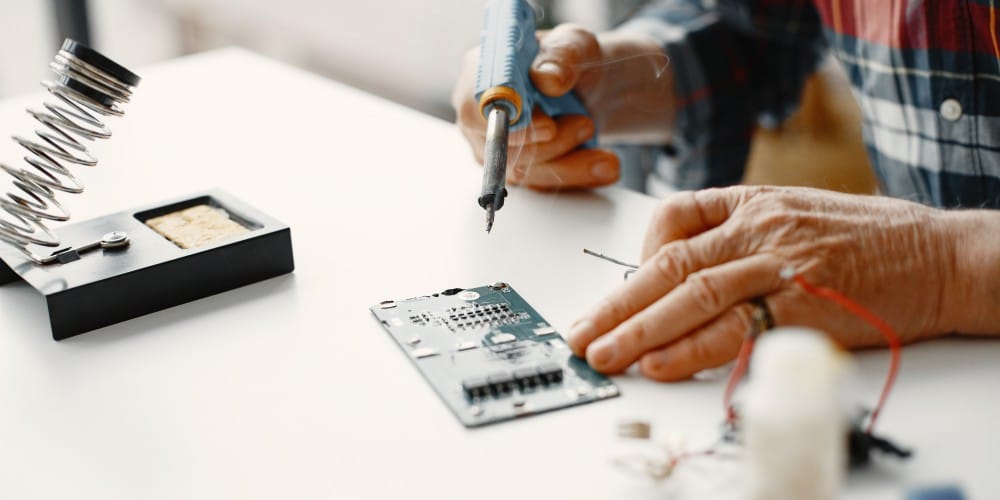
When a phone starts acting strangely, most people immediately assume something inside the device is broken. In reality, many common problems are caused by temporary software glitches that appear serious but are not permanent.
Learning how to separate software behavior from real hardware failure helps users avoid rushed decisions, wasted money, and unnecessary replacements.
This guide focuses on the practical signals that help you understand whether a quick fix is enough or whether professional cell phone repair becomes the safer and more reliable option when symptoms persist or worsen.
Why Software and Hardware Problems Look the Same at First
Modern smartphones are complex systems. A single malfunction can affect performance, battery behavior, touch response, and connectivity all at once. Software issues often mimic hardware damage because they interrupt how components communicate.
Before assuming your phone needs repair, it is important to understand what symptoms usually belong to software and which ones almost always point to physical damage.
Signs the Problem Is Likely Software Related
Software problems usually appear suddenly and often after a specific change. Look for patterns rather than isolated incidents.
Sudden Performance Changes
If your phone became slow overnight without being dropped or exposed to moisture, software is the most likely cause. This often happens after system updates, app conflicts, or storage overload.
Random App Crashes
When multiple apps crash without warning but the phone still powers on normally, software instability is usually responsible. Hardware damage rarely targets apps selectively.
Battery Drain After Updates
A sharp increase in battery drain immediately after an operating system update usually points to background processes or optimization issues, not battery failure.
Connectivity Issues That Come and Go
If Wi-Fi, Bluetooth, or cellular signal drops randomly but later reconnects, software configuration errors are more common than damaged antennas.
Phone Heats Up Without Physical Stress
Overheating during light use, especially after installing new apps, is often caused by runaway background processes rather than internal hardware damage.
In many of these cases, a reset, update adjustment, or professional diagnostic can prevent unnecessary phone repair.
Signs Your Cell Phone Likely Needs Repair
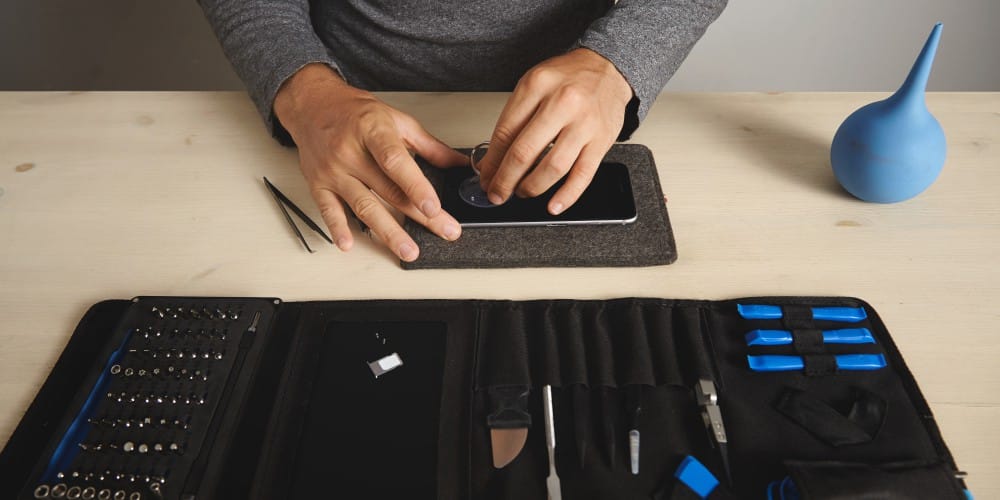
Hardware problems follow different patterns. They tend to worsen gradually or appear after a clear physical event.
Issues After a Drop or Impact
If problems started immediately after dropping the phone, hardware damage is highly likely. Internal components can shift even when the screen looks intact.
Persistent Touch Problems
If parts of the screen stop responding consistently, especially in the same area every time, this usually indicates digitizer or internal connection damage.
Charging Problems That Do Not Improve
When a phone refuses to charge properly even after cable changes and cleaning, the charging port or internal power components may be failing.
Camera or Speaker Failure
Complete loss of sound, microphone input, or camera functionality almost always involves hardware failure rather than software bugs.
Phone Powers Off Randomly
Unexpected shutdowns during normal use, especially at higher battery percentages, often signal internal battery or power management damage.
When multiple symptoms persist across restarts and resets, professional cell phone repair becomes the more reliable path forward.
Simple Tests You Can Do Before Assuming Repair Is Needed
Before jumping to conclusions, a few controlled checks can help narrow down the cause.
Restart and Observe
A clean restart temporarily clears software conflicts. If the problem disappears but returns later, software is the likely culprit.
Safe Mode Test
Booting into safe mode disables third-party apps. If the issue stops in safe mode, the cause is software related.
Update Check
Outdated operating systems often cause instability. If updates improve performance, hardware is unlikely to be the problem.
Factory Reset as a Last Test
If a full reset does not resolve the issue and the problem persists on a clean system, hardware failure becomes far more likely.
These steps help separate fixable software behavior from genuine repair needs.
When Software Problems Turn Into Hardware Risks
Software issues are not always harmless when they are ignored for too long. Persistent overheating caused by runaway apps can stress internal components, repeated system crashes may corrupt firmware, and ongoing abnormal battery drain can permanently reduce battery health over time.
Because of this, early diagnosis matters. Even when a phone does not immediately appear broken, a timely expert phone repair assessment can help identify hidden risks and prevent software-related problems from turning into long-term hardware damage.
Why Guessing Is the Worst Approach
Many users delay action because the phone still “mostly works.” Others replace devices unnecessarily when a simple fix would have solved the issue. Both choices are costly.
Understanding whether a phone needs repair or just a software fix removes guesswork and helps you make informed decisions. When symptoms overlap or persist, relying on experience rather than assumptions is critical.
Not every phone issue requires repair, but not every glitch is harmless either. The key difference lies in patterns, persistence, and triggers. Software problems often appear suddenly and fluctuate. Hardware problems follow physical stress and gradually worsen.
Knowing when to act and when to observe protects both your phone and your wallet. When uncertainty remains, professional diagnostics provide clarity without unnecessary replacement or delay.