


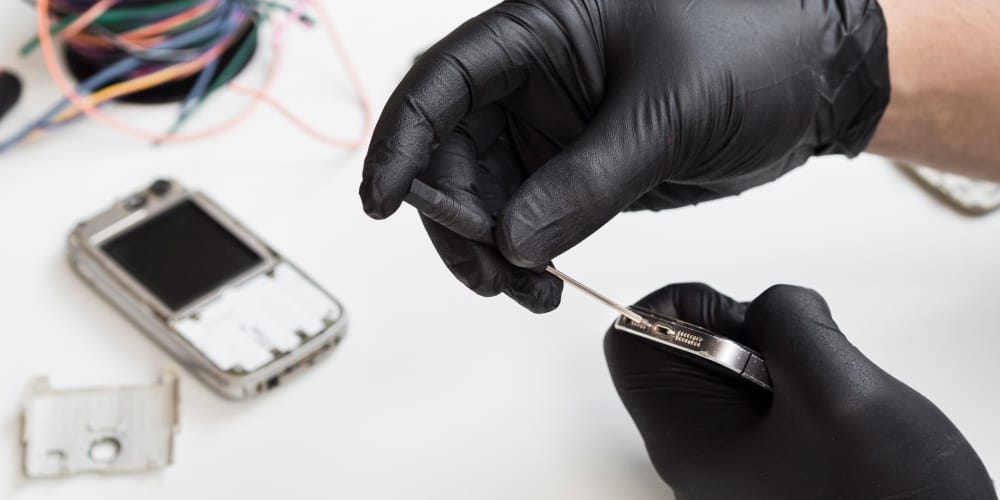
Dropping your iPhone doesn’t always crack the screen.
Sometimes everything looks fine, but suddenly:
- People can’t hear you clearly
- Voice memos record silence
- Siri stops responding
- Calls sound distorted
If your iPhone microphone stopped working after a drop, the issue is rarely random. Even minor impact can disrupt internal components that are far more delicate than the outer glass.
Let’s break down what usually happens.
Why a Drop Affects the Microphone Even Without Visible Damage
Modern iPhones contain multiple microphones:
- Bottom microphone for calls
- Front microphone for FaceTime and Siri
- Rear microphone for video recording
These are tiny, pressure-sensitive components connected by flex cables to the logic board.
When a phone is dropped, shockwaves travel through the internal frame. Even if the housing looks intact, the impact can:
- Loosen a microphone module
- Damage the flex cable
- Shift internal connectors
- Crack solder points on the board
This is why microphone issues often appear hours or days after the drop.
Common Symptoms After Impact
If the microphone failure is hardware-related, you may notice:
- People say your voice cuts in and out
- Audio recordings are muffled
- Speaker mode works but regular calls don’t
- Video audio sounds distorted
If you’re unsure whether the issue is audio-related or broader system instability, review this breakdown of why your iPhone keeps restarting randomly
Unexpected restarts combined with microphone issues may indicate deeper board-level stress from impact.
Could It Be Software Instead of Hardware?
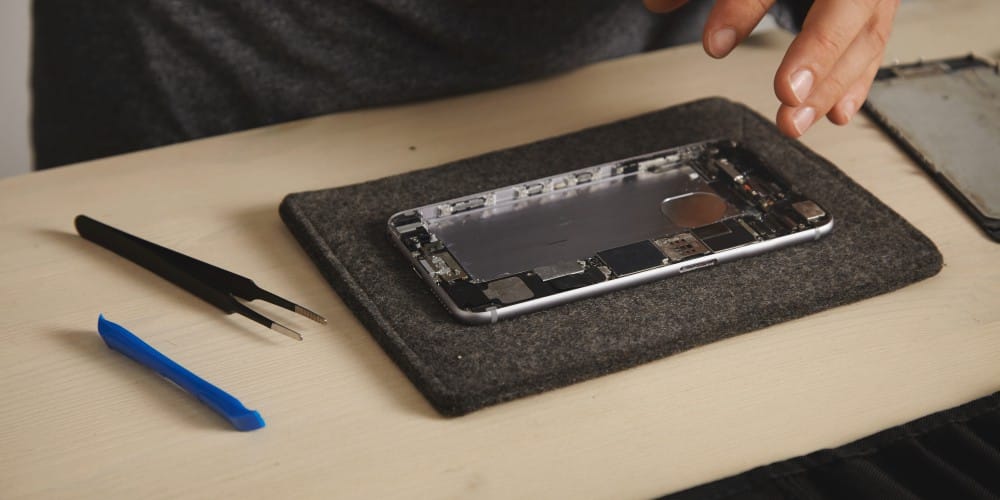
Before assuming hardware failure, consider:
- iOS glitches after updates
- Background app conflicts
- Audio routing errors
- Accessibility settings
Sometimes a drop coincides with an unrelated software issue, making it seem impact-related.
If the problem began after a recent update, you may also want to check this guide on iOS 26 battery drain and overheating on iPhone
System instability after updates can occasionally affect audio processing.
Dirt or Internal Debris After Impact
A drop can push dust or debris deeper into the microphone mesh.
This may cause:
- Muffled audio
- Low volume pickup
- Static noise
However, if cleaning the exterior doesn’t resolve the issue, the problem is likely internal.
When the Logic Board Is Involved
In more serious drops, internal board-level damage can occur.
Signs include:
- Microphone failure combined with charging issues
- Face ID malfunction
- Intermittent power behavior
- Overheating after impact
Board-level damage is less common, but when present, it requires professional diagnosis rather than simple component replacement.
Does Screen Damage Affect the Microphone?
Not directly.
However, if your phone also suffered display damage during the drop, internal structural stress may have occurred.
Impact rarely damages only one internal component.
When to Seek Professional Diagnosis
You should consider an inspection if:
- The microphone stopped working immediately after impact
- Audio works only in certain apps
- Voice recordings are completely silent
- The issue persists after restarting and updating
If the issue is confirmed to be hardware-related, a proper internal inspection is required.
For an overview of how different iPhone hardware issues are evaluated, you can review our main iPhone Repair in Vancouver service page
That page outlines how hardware diagnostics are typically handled without assuming the problem in advance.
Microphone failure after a drop is usually mechanical, not random.
Even when the exterior looks fine, internal stress can disrupt tiny audio components. The key is identifying whether the problem is:
- Software
- Debris-related
- Module-level hardware
- Or board-level damage
The sooner the issue is diagnosed, the less likely it is to escalate into broader internal instability.