


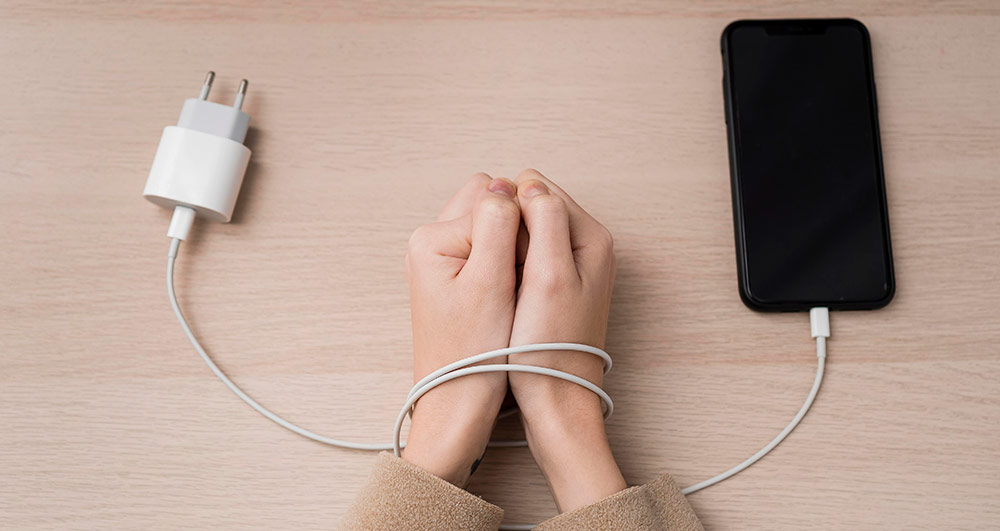
When a phone stops charging properly, most people assume the battery is dead. In reality, charging issues are often caused by the charging port, not the battery. Replacing the wrong part wastes money and time, and sometimes does not fix the issue at all.
At Gadget Ali, we diagnose charging problems every day for customers looking for Cell Phone Repair in Vancouver, and a large percentage of these cases turn out to be something completely different than what the owner expected.
This guide will help you understand the difference between a failing battery and a damaged charging port, so you know what is really happening before you book a repair.
Why Charging Problems Are Common
Modern smartphones rely on two key components for power:
- The battery, which stores energy
- The charging port, which transfers power into the device
If either one fails, your phone may:
- Charge very slowly
- Stop charging unless the cable is held at an angle
- Randomly disconnect while plugged in
- Not charge at all
The symptoms can look similar, but the root cause is very different.
Signs Your Charging Port Is the Problem

Charging ports are exposed to dust, lint, moisture, and physical stress from constant plugging and unplugging. Over time, this causes loose connections or internal damage.
Here are strong indicators the port is failing:
1. Cable Only Works at Certain Angles
If you have to twist, push, or hold the cable in a specific position to make charging start, the internal pins inside the port are likely bent or worn out.
This is one of the most common issues we see during Phone Charging Port Repair in Vancouver.
2. Phone Connects and Disconnects Repeatedly
You plug it in, it charges for a second, then stops, then starts again. That is usually a loose or damaged port connection, not the battery.
3. Debris Inside the Port
Pocket lint, dust, or small particles can block proper contact between the cable and the port. Even a tiny buildup can prevent charging.
4. Phone Does Not Recognize Charger at All
If you see no charging symbol and no vibration when plugging in, but wireless charging still works, the port is very likely the issue.
Signs Your Battery Is the Real Problem
Batteries naturally degrade over time. After 2 to 3 years, most phone batteries start losing capacity.
Here is how a bad battery behaves:
1. Battery Drains Extremely Fast
Your phone drops from 40 percent to 10 percent in minutes, even when you are not using it heavily.
2. Phone Shuts Off Randomly
If your phone turns off at 20 percent or 30 percent battery, the battery cells are no longer stable.
3. Phone Gets Hot While Charging
Excessive heat during normal charging can indicate internal battery wear.
4. Battery Percentage Jumps Up or Down
If it suddenly jumps from 15 percent to 50 percent after plugging in, the battery sensor is struggling with a failing cell.
In these cases, you likely need a Phone Battery Replacement in Vancouver, not a charging port repair.
Quick Test You Can Do at Home
Before assuming anything, try these steps:
- Use a different charging cable
- Use a different wall adapter
- Gently inspect the charging port with a flashlight
- Try wireless charging if your phone supports it
If changing the cable and adapter fixes the problem, the phone itself may be fine. If nothing changes, the issue is internal.
Still unsure? That is where professional diagnostics help.
Why Proper Diagnosis Matters
Many repair shops replace batteries first because it is a common issue. But if the port is actually damaged, you pay for a battery you did not need.
At Gadget Ali, our Cell Phone Repair Vancouver diagnostics process checks:
- Charging port connection stability
- Power flow from port to motherboard
- Battery health and voltage behavior
This ensures we fix the real problem, not just guess.
When to Stop Using the Phone Immediately
You should stop charging and get the device checked if:
- The phone smells like burning plastic
- The phone becomes very hot near the charging area
- The charging cable gets hot
- The phone only charges after being pressed hard near the port
These can indicate electrical shorting, which can damage the motherboard if ignored.
Professional Repair vs DIY Cleaning
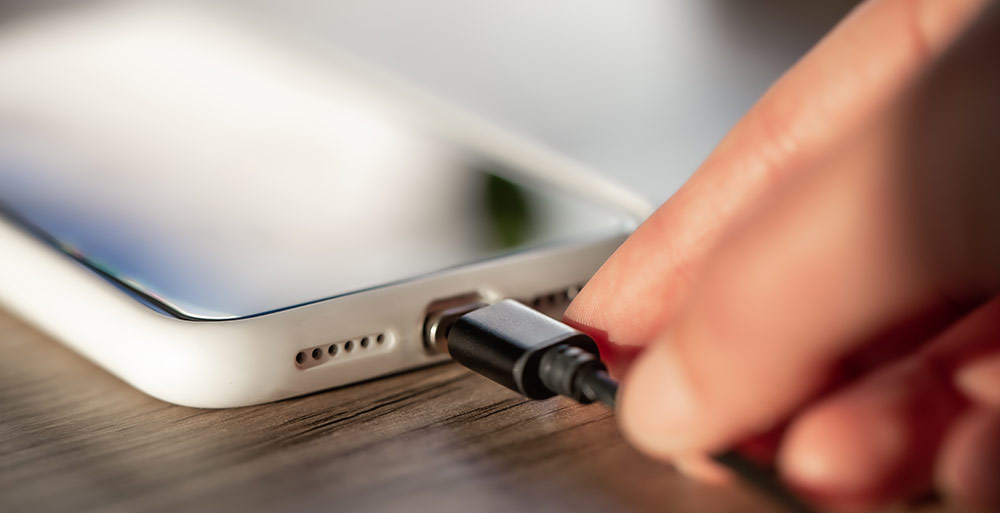
You may see online videos suggesting using pins or metal tools to clean the port. This is risky and often causes permanent damage to the internal pins.
Safe cleaning requires proper tools, magnification, and experience. If debris is not the issue, forcing tools inside can turn a simple repair into a major one.
That is why many people come to us after attempting DIY fixes that made things worse.
How Gadget Ali Fixes Charging Issues
When customers visit us for Cell Phone Repair, we:
- Run a full charging system test
- Check battery health metrics
- Inspect the charging port under magnification
- Test with professional power equipment
Once we identify the fault, we explain the issue clearly and recommend either a port repair or battery replacement.
Most charging port and battery repairs are completed the same day.
Get Your Phone Charging Properly Again
Charging issues do not fix themselves. They usually get worse over time and can eventually prevent the phone from turning on at all.
If your device is not charging reliably, bring it to Gadget Ali for an accurate diagnosis and fast service from a trusted Cell Phone Repair Vancouver team. Get a free estimate today!