


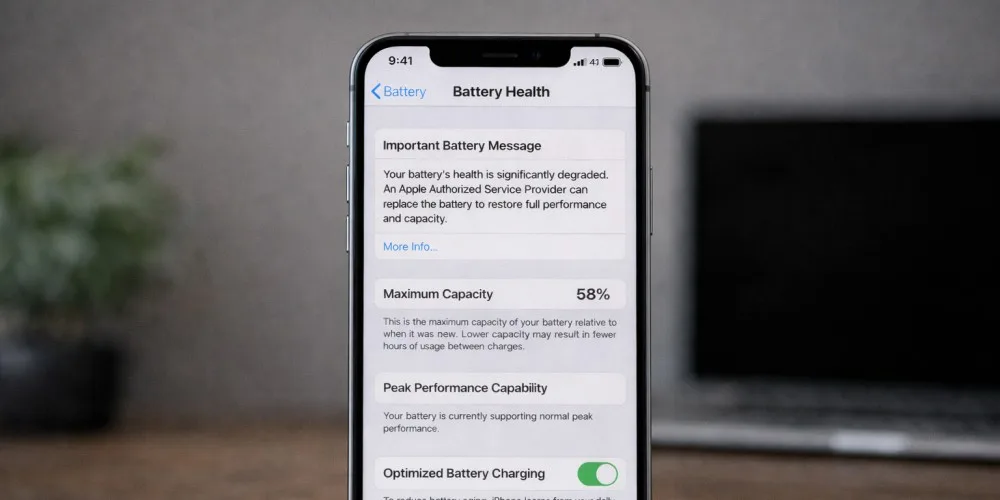
If you recently checked your iPhone battery health and noticed it dropped faster than expected, you are not alone. Many iPhone users get concerned when they see the percentage go from 100 to 95 or even lower within a short time.
The important thing is understanding the difference between normal battery aging and signs of a real battery problem that needs professional repair.
This guide explains how iPhone battery health works, what kind of battery health drop is considered normal, and when you should consider getting your phone checked by a technician.
If battery issues are affecting your daily use, our trusted iPhone repair service in Vancouver can help diagnose the problem quickly and professionally.
How iPhone Battery Health Actually Works
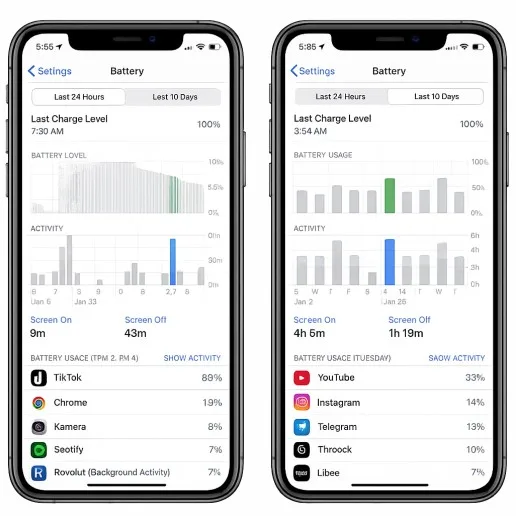
Apple measures battery health based on maximum capacity compared to when the battery was new. This percentage shows how much charge your battery can hold now versus day one.
For example:
- 100 percent means the battery can still hold its full original charge
- 90 percent means it holds about 90 percent of its original capacity
- 80 percent or lower usually indicates significant wear
All lithium-ion batteries degrade over time. This is not a defect, it is a chemical aging process that happens in every smartphone.
What Is Considered a Normal Battery Health Drop
Many users panic when they see battery health drop a few percent in the first months. In reality, this can be completely normal.
Here is what is typically considered normal:
- A drop from 100 to 97 or 95 percent within the first few months
- Gradual decline over 1 to 2 years of daily use
- Faster drop if you use heavy apps like gaming, video editing, or navigation for long periods
- Slightly faster wear in hot environments or if the phone often overheats
Battery health does not always drop in a perfectly smooth line. Sometimes it stays at one number for months, then suddenly drops by 2 or 3 percent. That does not automatically mean something is wrong.
When Battery Health Is Dropping Too Fast
A fast battery health decline can point to abnormal stress on the battery or an underlying issue.
Warning signs include:
- Battery health dropping more than 5 to 8 percent within a few months
- Phone getting hot during simple tasks like browsing or messaging
- Battery draining very quickly even with light use
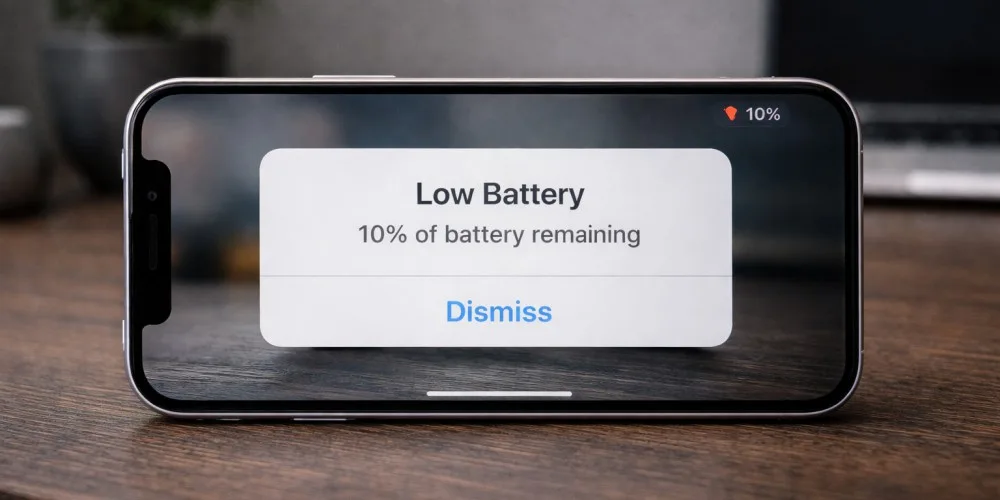
- Unexpected shutdowns when battery is above 10 or 15 percent
- “Service” warning in battery settings
These symptoms suggest the battery may be deteriorating faster than it should, or the device may have charging, power management, or hardware-related issues.
Common Reasons for Fast Battery Health Loss
Frequent High Heat
Heat is the number one enemy of lithium batteries. Leaving your iPhone in a hot car, gaming while charging, or using it heavily under direct sunlight can permanently accelerate battery wear.
Charging Habits
Constantly charging to 100 percent and leaving the phone plugged in overnight in warm conditions can stress the battery. Fast charging also produces more heat, which adds to long-term wear.
Intensive App Usage
High-performance apps such as 3D games, video streaming in high brightness, or GPS navigation for hours at a time increase battery temperature and charge cycles.
Software Issues After Updates
Sometimes after an iOS update, background processes, re-indexing, or buggy apps can temporarily cause higher battery drain. This may not permanently damage battery health but can make the drop appear sudden.
How to Slow Down Battery Health Decline
While you cannot stop battery aging completely, you can slow it down:
- Avoid using your phone heavily while it is charging
- Do not leave your phone in hot places like a car dashboard
- Use optimized battery charging in settings
- Reduce screen brightness when possible
- Remove heavy cases if the phone feels hot during use
These habits help reduce thermal stress, which is the biggest factor behind battery degradation.
When to Consider Professional Battery Replacement
Once battery health drops below 80 percent, most users start noticing:
- Short battery life even with normal use
- Slower performance due to power management
- More frequent charging during the day
At this point, battery replacement becomes a practical solution rather than continuing to struggle with poor performance.
If you are unsure whether your battery health drop is normal or not, a technician can run diagnostic tests and check for hidden issues such as charging circuit problems or background battery drain.
If you are experiencing fast battery drain, overheating, or unexpected shutdowns, it may be time to have your device inspected through a professional Gadget Ali iPhone repair service to determine whether the battery or another component is causing the issue.
Normal vs Not Normal Battery Health Drop, Quick Summary
Usually Normal
- Slow decline over time
- Small drops after months of use
- Slightly faster drop with heavy usage
Not Normal
- Rapid drops in a short time
- Overheating with light tasks
- Random shutdowns
- “Service” battery message
Understanding this difference helps you avoid unnecessary stress while still catching real problems early.
If your battery performance feels worse than what the percentage suggests, or your phone behaves unpredictably, getting a professional evaluation is the safest step before the issue affects other components.