


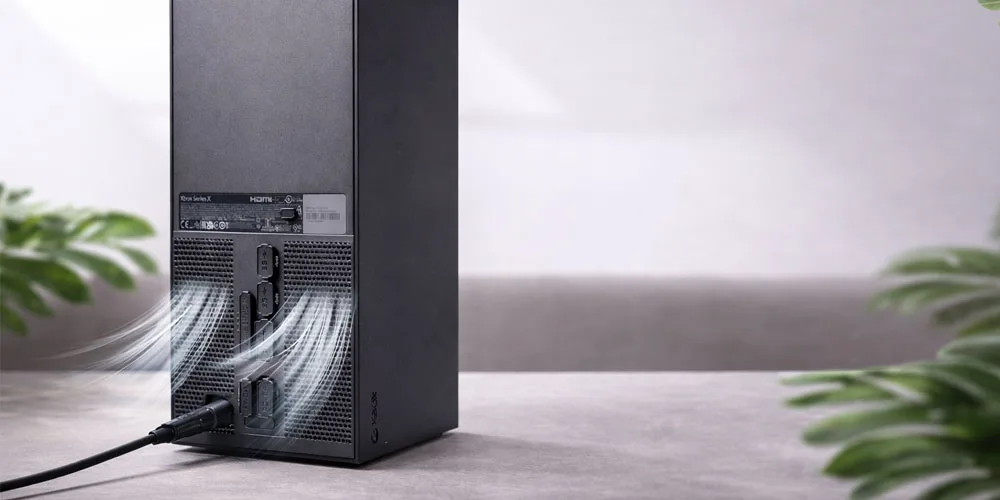
When an Xbox Series X turns off randomly, it can feel unpredictable and frustrating. Sometimes it happens during gameplay, sometimes while launching a game, and occasionally even when the console seems idle. The key to solving this issue is understanding whether the shutdown is caused by a power supply problem or overheating.
This guide explains the difference between these two common causes, what signs to look for, and when the issue goes beyond simple home troubleshooting.
Why the Xbox Series X Shuts Down Without Warning
The Xbox Series X has built-in protection systems. When the console detects unsafe power conditions or excessive heat, it automatically shuts down to prevent internal damage. This is not a random software glitch in most cases. It is the system protecting its hardware.
The two most common hardware-related causes are:
- Power delivery issues
- Overheating and thermal protection
Understanding the symptoms helps narrow down which one you are dealing with.
Signs the Problem Is Power Supply Related
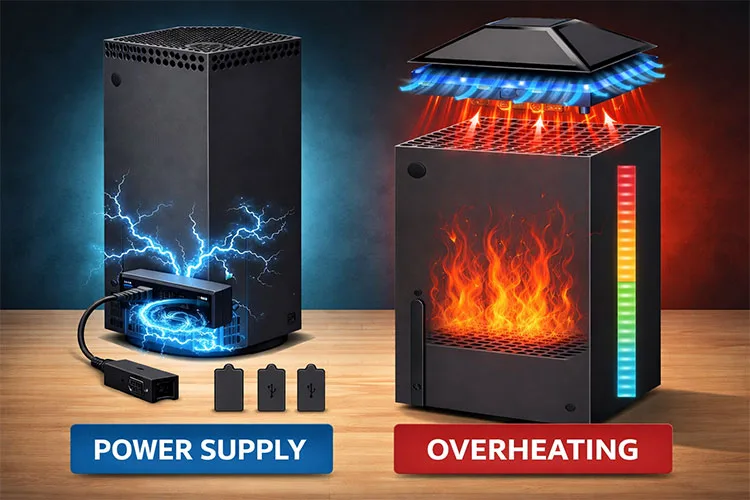
Power-related shutdowns usually happen suddenly and without much warning.
Common symptoms of a power issue
- Console turns off instantly, like power was cut
- No overheating message appears
- Happens even when the console is not under heavy load
- The console may not turn back on immediately
- You might hear a click sound before shutdown
In these cases, the issue may involve the internal power supply unit, unstable voltage regulation, or a failing power component on the motherboard.
Unlike overheating, the console does not always feel hot to the touch before shutting down.
Signs the Problem Is Overheating
Overheating shutdowns usually follow a pattern and are more common during demanding tasks.
Common symptoms of overheating
- Shutdown happens during long gaming sessions
- The console feels very warm or hot
- Fan noise becomes louder before shutdown
- The console may display a temperature warning
- It works fine again after cooling down
This occurs when the cooling system cannot dissipate heat fast enough. Causes can include dust buildup, blocked airflow, or degraded thermal paste.
How to Tell the Difference Quickly
| Symptom | Likely Cause |
|---|---|
| Instant power-off with no warning | Power supply issue |
| Works again after cooling | Overheating |
| Happens during light use or menus | Power supply issue |
| Happens only during gaming | Overheating |
| Fan gets very loud first | Overheating |
| Console struggles to turn back on | Power supply issue |
This comparison is not perfect, but it helps narrow down the source.
Basic Overheating Checks You Can Do Safely
- Before assuming hardware failure, check for airflow problems.
- Make sure the console has open space around all vents
- Do not place it inside a closed cabinet
- Keep it upright as designed for best airflow
- Use compressed air to gently clean visible dust from vents
- Avoid placing it near heaters or direct sunlight
If shutdowns continue even in a well-ventilated setup, internal cooling components may be the issue.
Why Power Supply Problems Are More Serious

A failing power supply or power circuit is not something that improves on its own. Over time, it can lead to:
- More frequent shutdowns
- Failure to power on at all
- Risk of damage to other internal components
Because the Xbox Series X uses an internal power system, diagnosing and repairing it requires disassembly and proper testing tools. This is not a safe DIY repair.
If your console shuts off instantly and unpredictably, especially without overheating signs, it is best to have it inspected by professionals who handle game console repair services and can test power delivery safely.
When Software Is Not the Problem
Many users try factory resets or system updates first. While software bugs can cause crashes, true power-cut style shutdowns are rarely software-related.
If your console fully powers off instead of just freezing or returning to the dashboard, hardware is usually involved.
At that stage, professional diagnostics through experienced technicians who specialize in game console repair services is the safest way to prevent further damage.
What Happens During Professional Diagnosis
A technician typically checks:
- Power supply stability
- Motherboard power circuits
- Cooling system performance
- Internal dust buildup
- Thermal compound condition
The goal is to determine whether the shutdown is triggered by thermal protection or unstable power delivery.
Random Xbox Series X shutdowns are usually not random at all. They are warning signs. Overheating tends to follow heavy usage patterns and improves temporarily after cooling. Power supply issues are more sudden and unpredictable.
Ignoring the problem can lead to permanent failure, especially if the console keeps cutting power under load. Identifying the cause early protects both your console and your game data.