


iPhone Screen Randomly Dimming: Heat, Display Problem, or iOS Glitch?
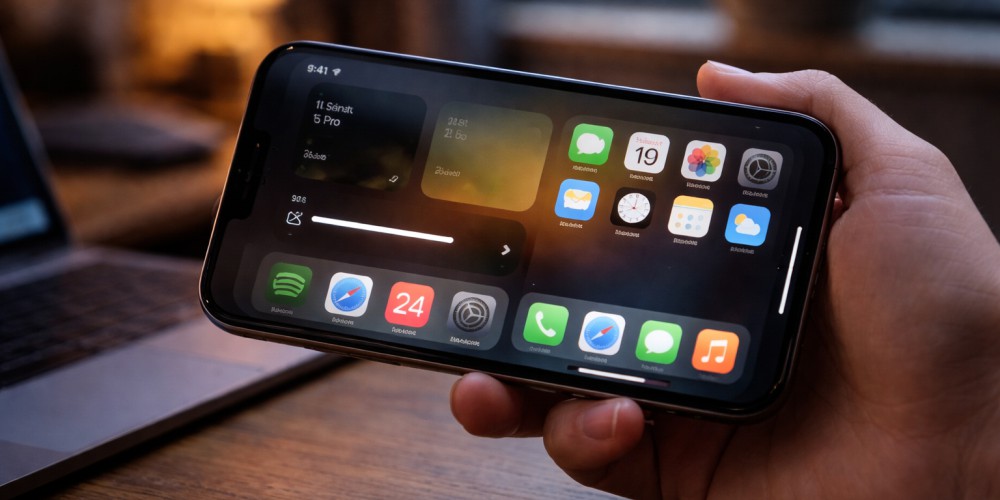
When your iPhone suddenly dims the screen by itself, it can be confusing. You turn the brightness up, and a few minutes later it drops again. Many people assume the display is failing, but that is not always the case. Automatic dimming can be caused by heat management, software behavior, or hardware display issues. Understanding […]
Apple Watch Battery Draining Fast: Software Issues or Battery Wear?
If your Apple Watch battery suddenly starts draining much faster than before, it can feel like the device has become unreliable overnight. You may notice it no longer lasts a full day, loses charge quickly during simple use, or even dies before evening. The key question is whether the issue is caused by software behavior […]
Xbox Series X Random Shutoff: Power Supply vs Overheating

When an Xbox Series X turns off randomly, it can feel unpredictable and frustrating. Sometimes it happens during gameplay, sometimes while launching a game, and occasionally even when the console seems idle. The key to solving this issue is understanding whether the shutdown is caused by a power supply problem or overheating. This guide explains […]
Why Your iPhone Battery Health Is Dropping Fast, What’s Normal and What’s a Problem
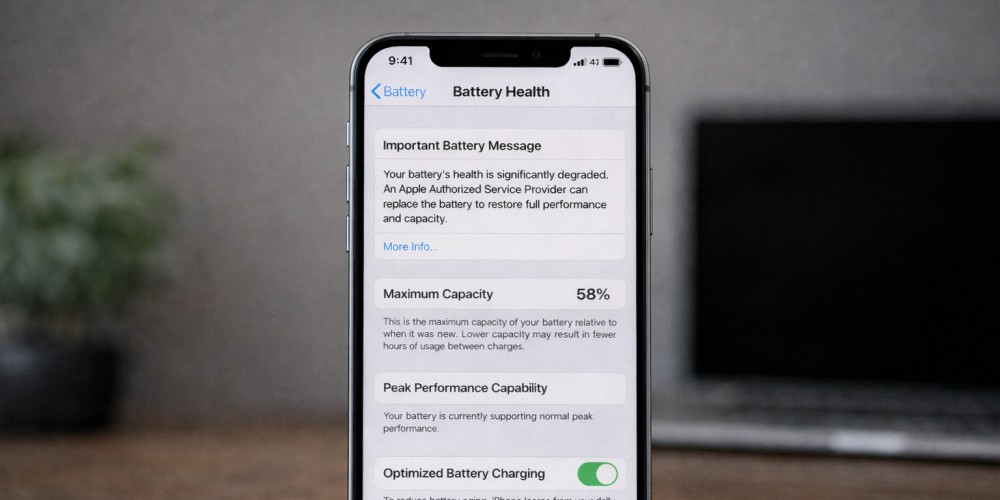
If you recently checked your iPhone battery health and noticed it dropped faster than expected, you are not alone. Many iPhone users get concerned when they see the percentage go from 100 to 95 or even lower within a short time. The important thing is understanding the difference between normal battery aging and signs of […]
Why Your Phone Overheats After an Update (iPhone + Android)

Software updates are supposed to improve performance, security, and stability. But many users notice the opposite right after installing a new update. Their phone suddenly gets hot, the battery drains faster, and even simple tasks feel heavier on the device. This situation is common on both iPhone and Android devices. In many cases it is […]
Phone Not Charging? Charging Port or Battery Problem
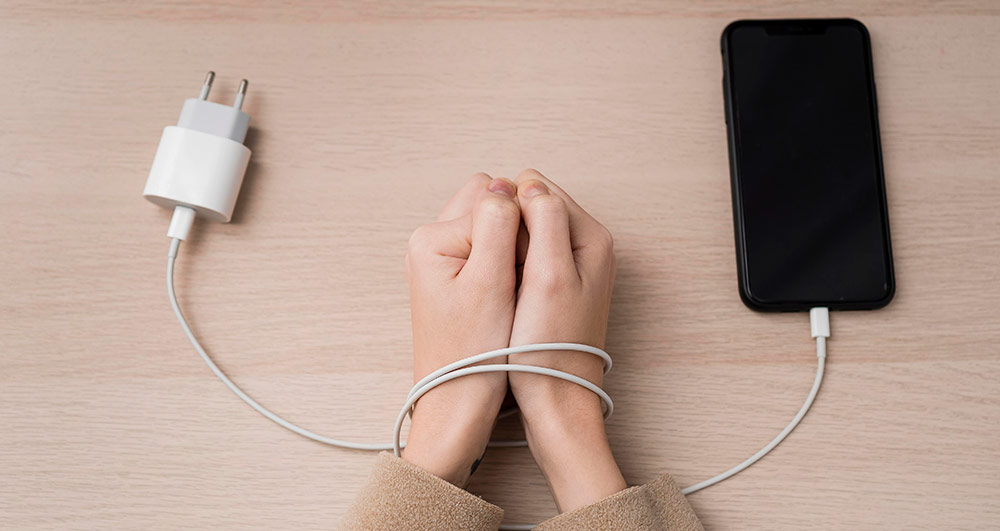
When a phone stops charging properly, most people assume the battery is dead. In reality, charging issues are often caused by the charging port, not the battery. Replacing the wrong part wastes money and time, and sometimes does not fix the issue at all. At Gadget Ali, we diagnose charging problems every day for customers […]
iPhone Face ID Stopped Working After a Drop (Or After Screen Replacement)

Face ID is one of those iPhone features you don’t appreciate until it suddenly stops working. One day you’re unlocking your phone instantly, approving Apple Pay, logging into apps with a glance, then after a drop (or after a screen replacement) you get hit with one of these messages: And the worst part is this: […]
PS5 HDMI Port Failure Symptoms: How to Confirm It’s the Port (And Not Your TV)
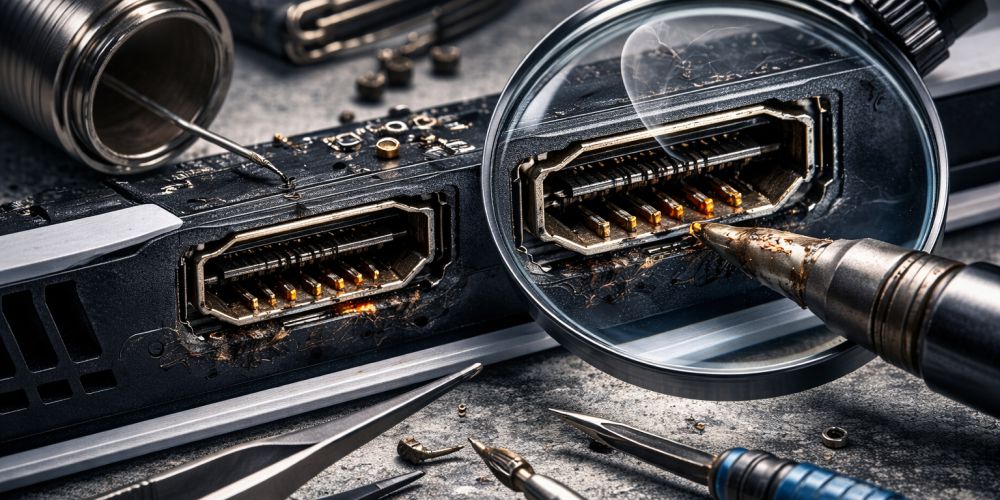
One of the most frustrating PS5 problems happens when everything looks normal, the console powers on, the lights turn on, and maybe you even hear the startup sound, but the screen stays black or shows “No Signal.” At that moment, most people assume the worst, or they waste hours swapping cables, changing settings, or resetting […]
How do I fix an iPhone that won’t turn on?
If your iPhone won’t turn on, it doesn’t always mean the phone is “dead.” In many cases, the issue is caused by a drained battery, charging problems, a frozen iOS system, or hardware damage after a drop or water exposure. The key is to troubleshoot safely in the right order, because forcing the wrong step […]
Why is my iPhone speaker not working properly?
If your iPhone speaker is not working properly, the cause is usually one of these: dirt or moisture blocking the speaker grille, a Bluetooth audio setting issue, a software glitch, or physical damage to the speaker after a drop or water exposure. Sometimes the speaker still works but sounds quiet, crackly, or distorted. Other times […]