The PS4 has been around long enough that most of them now fail in the same handful of ways. The drive stops pulling discs in, or spits them back out on its own. The fan gets loud enough to hear over the game. The console powers on, the light pulses blue, and nothing reaches the TV.
Gadget Ali repairs PS4, PS4 Slim and PS4 Pro consoles at two shops: 6551 No. 3 Rd in Richmond and 935 Marine Dr in North Vancouver. Bring it in, we open it up, and you get a straight answer and a price before anything is touched.
If you have a different system, our game console repair page covers Xbox and Nintendo Switch as well.
Free diagnostic • Same day service on most repairs
Usually yes, and here is the honest maths. A working used PS4 Slim in Metro Vancouver sells for somewhere around $180 to $250 depending on condition and storage. A PS4 Pro runs higher. Most of the repairs on this page land well under that, which means fixing the one you own is normally the cheaper move, and you keep your saves, your installed library and your account setup.
Repair makes sense when:
Replacement is often the smarter call when:
We tell you which situation you are in during the free diagnostic, before you commit to anything. If the repair is not worth your money, we say so. And if you have already moved on to the newer system, our PS5 repair page covers that one.
Inside Richmond Centre Mall Opp Koodo and BestBuy, 6551 Number 3 Rd MRU-11, Richmond, BC V6Y 2B6
935 Marine Dr #39, North Vancouver, BC V7P 1S3
Call ahead to check availability or walk in during business hours for fast service.

Prices are before tax and include parts and labour unless noted. Hard drive labour does not include the drive itself, and you are welcome to bring your own. We confirm the exact figure after the free diagnostic and nothing starts until you agree to it. Every repair carries a 30 day warranty on parts and labour.
This is the single most common PS4 fault we see. The console sits idle and starts beeping and spitting the disc out, or it refuses to pull a disc in at all.
In most cases it is not the drive failing. The eject button on the original PS4 is a touch sensitive strip, and as the console ages that strip starts registering presses that never happened. Dust, humidity and a slightly warped front panel all make it worse. On Slim and Pro models the button is physical, and there the usual culprit is a worn switch or a loose ribbon cable.
The other version of this problem is a drive that takes the disc, spins, and reports that it cannot read it. That points at the optical laser rather than the eject mechanism. Lasers wear out, and on a console this age it is normal.
We check which of the three it is before quoting: a false eject signal, a mechanical fault in the loading gears, or a dead laser. They are three different repairs at three different prices, and guessing costs you money.
If the problem is actually your controller rather than the console, our game controller repair page covers stick drift and charging faults on DualShock 4.
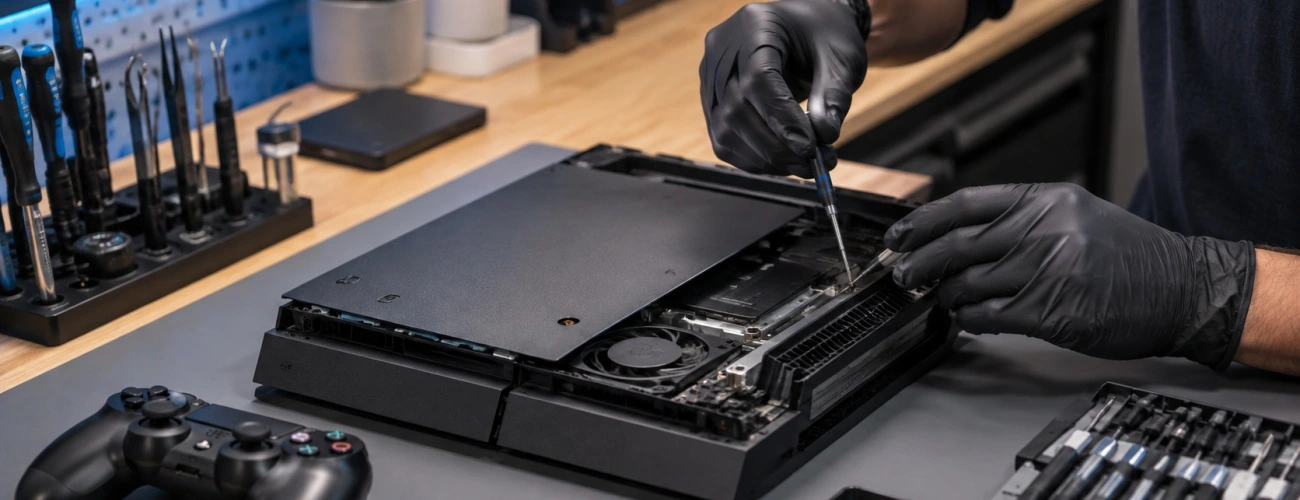
Before assuming the worst, swap the HDMI cable and try a different input on the TV. It sounds obvious and it solves this maybe one time in five.
If the picture is still gone, the port itself is the likely cause. The HDMI connector is soldered directly to the board, and the pins inside it are thin. Knocking the cable sideways, moving the console with the cable attached, or years of plugging and unplugging will eventually bend or break one of them. Sometimes you can see the damage with a torch, sometimes you cannot.
Replacing the port means removing the old connector and soldering a new one onto the board without lifting the pads underneath. It is precise work and it is not something to attempt with a regular soldering iron at home. Done properly it is a permanent fix.
A partly damaged port behaves differently from a dead one. Instead of no picture at all you get flickering, sparkles, random resolution drops or a signal that cuts out when someone walks past the console. Those symptoms are covered in more detail in our guide to HDMI port failure signs.
The console powers on, the light strip pulses blue, and it never turns white. Nothing appears on the TV. People call this the blue light of death, and it is less of a single fault than a symptom with several possible causes.
The console is telling you it failed during startup, before it could hand off video output. What we look for, in the order we check it:
Power supply output that has drifted out of spec, common on consoles that have run hot for years
A hard drive that has failed or worked loose in its bay
Thermal paste that has dried to powder, letting the processor overheat within seconds of powering on
Solder fatigue on the board itself, usually after long term overheating
The first three are straightforward repairs. The fourth is board level work, and it is the one case where we sometimes recommend against repair depending on what we find. Either way, the diagnostic is free and you will know which of the four you are dealing with before spending anything.
A PS4 that roars during a game is not broken, it is choking. The intake pulls in dust continuously, and over several years that dust packs into the heatsink fins until air can barely move through them. The processor gets hotter, the fan spins harder to compensate, and the noise climbs.
The second half of the problem is thermal paste. The paste between the processor and the heatsink dries out and stops transferring heat properly. On a console that is now several years old, this has almost certainly happened.
A deep clean and fresh paste fixes both. We strip the console down, clear the heatsink properly rather than just blowing compressed air at it, replace the paste, and reassemble. Most consoles come out noticeably quieter and run cooler.
This is worth doing before the console starts shutting itself off, not after. Sustained overheating is what eventually damages the board, and board damage is a far more expensive conversation.
If it runs fine on the dashboard and dies twenty minutes into a game, that is a heat pattern. Games load the processor far harder than menus do, temperature climbs past the safety threshold, and the console cuts power to protect itself. The fix is usually the clean and paste job above.
If it shuts off at random regardless of what you are doing, or turns off the moment you power it on, that points at the power supply instead. The PS4 uses an internal supply, and they degrade with age and heat. A failing one can hold up under light load and collapse under a heavier one.
We separate the two by watching the console under load and checking the supply output directly, rather than guessing from the symptom.
Unlike newer consoles, the PS4 uses an ordinary 2.5 inch drive that sits behind a removable cover, which makes this one of the easier wins on an ageing console.
Two reasons people come in for this. The original drive has failed, which shows up as games crashing, long load times, database rebuild prompts on every boot, or the console not starting at all. Or the 500GB original has simply run out of room and games are being deleted to make space.
Either way the swap is the same job. We fit the new drive, reinstall the system software, and test it before you leave. If you have a working console with a full drive, moving to a 1TB or 2TB drive costs less than most people expect and makes the console feel newer than it is.
Bring your own drive if you have one, or we can source it. The only requirement is that it is 2.5 inch and no thicker than 9.5mm. On a drive that has already failed, saved games are usually recoverable only if they were backed up to PlayStation Plus cloud storage or a USB stick beforehand, so it is worth checking that before you come in.
The model number is printed on a sticker on the back of the console next to the ports. Knowing it before you call helps us confirm we have the right part in stock, particularly for drive lasers and power supplies, which differ between the three families.
Call ahead with your model number if timing matters, and we will tell you honestly whether we can do it that day before you make the trip.
There are a few situations where we will recommend against spending the money, and we would rather say it upfront than after you have paid for a diagnosis.
Liquid damage with corrosion that has spread across the board. It can sometimes be brought back, but it rarely stays fixed, and we do not like charging for work that fails in two months.
Multiple unrelated failures at once. If the drive is dead and the power supply is dying and the fan bearing has gone, the total is close to what a working used console costs.
Physical damage from a drop or crush. Cracked boards and bent shielding are usually not economical.
In any of those cases we will tell you what we found and leave the decision to you, with no charge for looking.
Most repairs land between $79 and $149. A clean and thermal paste job is $79, a disc drive repair starts at $99, an HDMI port replacement starts at $139. The diagnostic is free and you get the exact number before any work starts.
Usually not. On original PS4 models this is normally the touch sensitive eject strip misreading, not the drive. It is one of the cheaper repairs on this page.
Yes, in most cases. Try a different HDMI cable and a different TV input first. If it is still blank the port is the likely cause, and we replace those.
Usually yes. A working used PS4 sells for well above the cost of most repairs on this page, and repairing keeps your library, saves and account setup intact.
Most repairs are done the same day. HDMI port work takes one to two days because the board work should not be rushed. We give you a timeline after inspection.
Just the console and its power lead. We have controllers, HDMI cables and a display here for testing.
Whether it is refusing discs, running loud, showing no picture or stuck on a blue light, the diagnostic costs nothing and you will know exactly what you are dealing with before deciding anything.